
What updating means here, and who this page is for
This page is for developers and AI power users who run an agent on a computer of its own and want to know how that agent stays current. Each supported agent is installed from its official upstream, using the agent's own installer or image. Hivra does not fork the agents it runs, so an update is the agent's own software moving to a newer release, not a Hivra rebuild.
There are two separate things that can be updated on an agent's computer:
- The agent itself, such as Hermes, Claude Code or OpenClaw. This is the software you actually talk to.
- Hivra's connection service, the small service on the computer that lets Hivra's pages reach the agent (chat, terminal, files, status). Updating it does not restart the computer, so your files, logins and chats stay as they are.
Both are updated from the same place: the agent's Manage tab, in the Updates section. The agent's version and its update controls are the first card, and Update connection service is the card below it.
Hivra is an independent hosting service. It is not affiliated with or endorsed by the makers of the agents it runs, including Anthropic, OpenAI, Nous Research and CopilotKit, and each agent's release schedule is theirs. Hivra decides only how an update is applied on the computer and which version it has tested.
Which update path each agent uses
The agents split into two groups. Hermes, OpenBot and Nuphos have no version that Hivra pins, so an update installs the newest release. Claude Code, Codex, OpenClaw, Agent Zero and Aeon are moved to the version Hivra has tested with its own screens, which can be older than the newest upstream release.
| Agent | What the update button is called | What it installs | Rollback if the new version fails |
|---|---|---|---|
| Hermes | Update Hermes (or hermes update in Terminal) | Whatever Hermes's own updater finds | Hermes keeps its current version if the update does not finish. Hivra does not roll back for you. |
| OpenBot (preview) | Update OpenBot | The newest official image | Yes, on the computer during the update: the previous image and OpenBot's database are put back if the new one does not start. The card then reports that the update didn't finish. |
| Nuphos (preview) | Update Nuphos | The newest release of Nuphos's runtime | No rollback is documented. If the update did not finish, press Try again. |
| Claude Code, Codex | Update Claude Code, Update Codex | The version Hivra has tested | Yes. If the new version does not install, the previous one is put back. |
| OpenClaw, Agent Zero | Update OpenClaw, Update Agent Zero | The version Hivra has tested | Yes. If it does not start properly, the previous version is put back. |
| Aeon | Update Aeon dashboard (the label is Update, the agent's name, then dashboard) | The Aeon dashboard Hivra hosts, at the version Hivra has tested | Yes, the same as OpenClaw and Agent Zero. |
OpenBot and Nuphos are previews that are off by default, so you only see them on a deployment that has switched them on. Hermes is available on Hivra Cloud. See each agent's own page for what it needs: Hermes, OpenBot, Nuphos, Claude Code, Codex, OpenClaw, Agent Zero and Aeon.
Hivra only shows the version card for agents it can read a version from. An agent whose connection service is too old to report a version shows a note instead, and the first step is to update the connection service.
Before you update
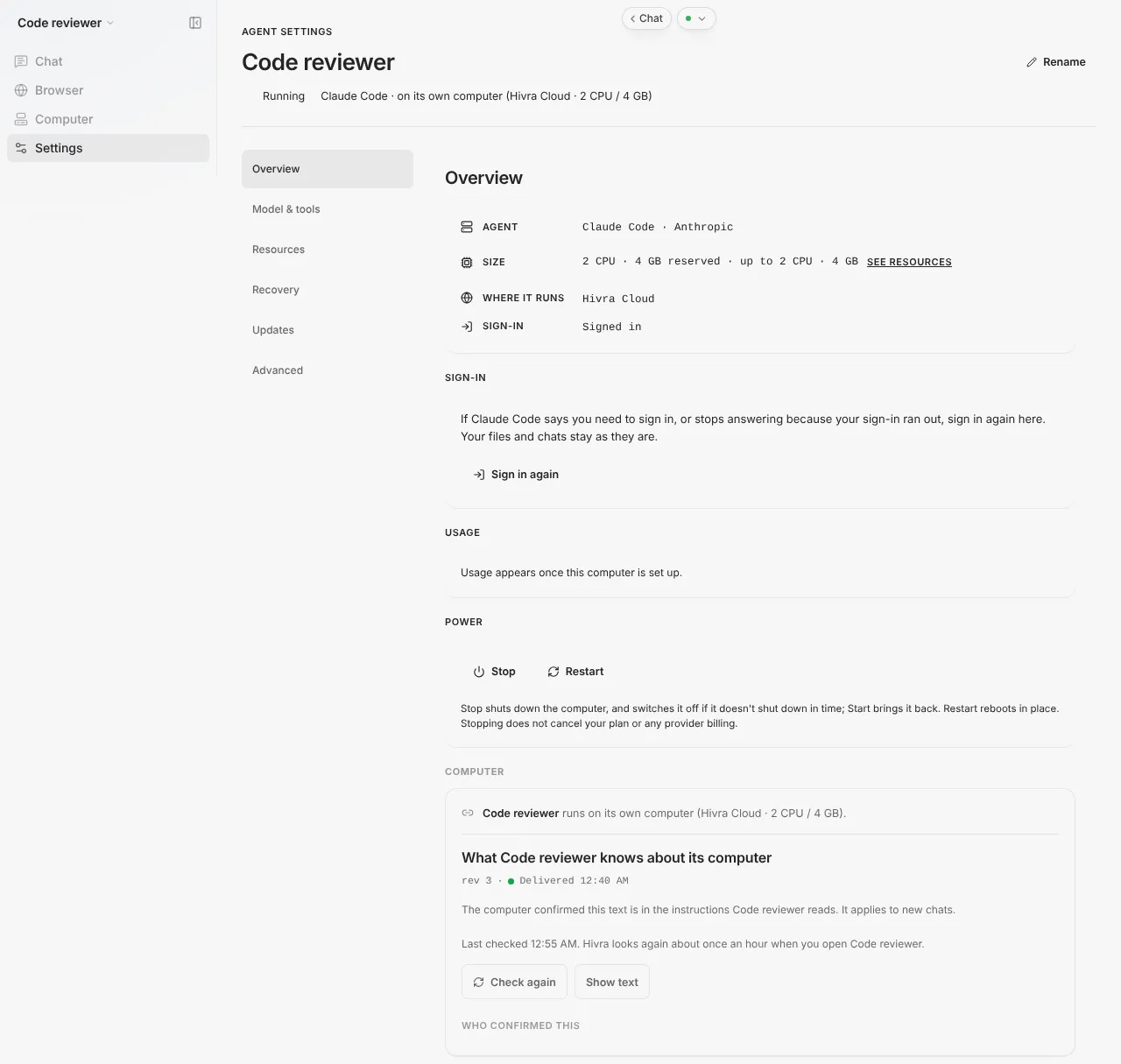
- The agent's computer must be running. If it is stopped, the card says "Start this agent to check or update" followed by the agent's name. Start it from Manage, under Overview, in the Power card, then come back to Updates.
- Close Hermes, OpenBot, Nuphos, OpenClaw, Agent Zero and Aeon in other tabs. Updates restart these agents, and Hivra waits until nobody is using them. Claude Code and Codex are different: Hivra waits for the current reply to finish, whatever tabs are open.
- Know where your work lives. Your files, repos and logins are on the agent's computer, so an update changes the agent, not your work. Hivra does not guarantee backups, so keep a copy of anything you cannot recreate before a big update.
- Use a restore point if you want one. Recovery in Manage can capture the computer in place. Restore points stay on the same host until you destroy the computer, so they are not an off-host backup (see Linux computer).
- On a server you connected, you keep the host current too. Hivra updates the agent and its connection service on that host. If Hivra says to "Prepare My server with Hivra's current setup", do that first, then try the update again.
A computer that is a running agent also keeps working after you close your laptop. On a paid Hivra plan the computer stays on and keeps your files, sessions and login. A Claude Code or Codex run you start inside tmux in the computer's Terminal tab keeps going after you close the laptop. On Claude Code, work you send through Telegram, connected in the agent's Telegram tab, runs on the computer, not in your browser. An update you start from Manage runs on the computer, so you can start it and close the page. Come back and open Updates to see how it ended.
Update Hermes
Hermes is the official Hermes Agent, installed by Hermes's own installer and updated by Hermes's own updater. Hivra does not change it or pin a version, so there is no tested version to compare with. The card shows what is installed and always offers the update, because Hermes's updater decides whether anything newer exists. There are two ways to do the same thing.
Option 1: in Terminal.
- Open the agent and choose Computer, then Terminal.
- Run:
- Read what it prints. Hermes's own updater reports what it did.
Option 2: from Manage.
- Open the agent, choose Settings, then Updates in the side navigation.
- Find the Hermes card. It shows Hermes installed and Last checked, with a Check again link while the agent is running.
- Press Update Hermes.
- Follow the same card as it reports progress.
The button runs Hermes's own updater and also refreshes Hivra's connection service without restarting the computer. Hermes then restarts once, when nobody is using it. While it waits, the card says it updates once Hermes has been idle for 5 minutes, so close Hermes in any other tab, and that Hivra waits up to 6 hours. If Hermes is still in use after 6 hours, nothing is changed and the card offers Try again.
If the computer's connection service is older than Hivra's current one, the card says it does not report its Hermes version and asks you to update the connection service below it. You can still run hermes update in Terminal in the meantime.
Update OpenBot and Nuphos, with rollback
OpenBot and Nuphos are both official releases from their makers, run unmodified, and Hivra does not pin a version for either. Update installs the newest release. Both are previews and appear only where a deployment has turned them on.
- Open the agent, choose Settings, then Updates.
- Find the OpenBot or Nuphos card. It shows the installed version when Hivra has one recorded, and Last checked.
- Press Update OpenBot or Update Nuphos. The same card reports progress.
What you will see, in order:
| Line on the card | What is happening |
|---|---|
| Starting the update… | Hivra has accepted the request. |
| Waiting until nobody is using the agent | The update starts once the agent has been idle for 5 minutes, so close it in any other tab. Hivra waits up to 6 hours. |
| Updating the agent with its own updater | The agent restarts and is back in a few minutes. |
| The agent's version is installed | The update is done. |
The agent is unavailable while it restarts, so pick a quiet moment. Unlike the tested-version agents below, these cards do not show a separate checking step.
The OpenBot rollback. Before swapping, the update copies OpenBot's database aside. If the new release does not start, the computer puts the previous image and that database back during the update. What the new release wrote is kept aside on the computer, not deleted. If the new release starts fine, the safety copy is dropped. The card does not show a rolled-back message for OpenBot. It reports "The OpenBot update didn't finish. OpenBot keeps its current version" with a Try again button. The rollback protects the update step only. It is not a backup service.
Nuphos. Nuphos restarts during the update. If an update did not finish, the Updates section shows a note and a Try again button.
If OpenBot is still waiting for its Intelligence key, an update only records the new image and does not restart anything. See the OpenBot page for the key.
Update Claude Code, Codex, OpenClaw, Agent Zero and Aeon
For these agents Hivra installs only versions it has tested, so the installed version can be older than the vendor's newest release. The card shows two lines side by side: the agent's installed version, and Hivra's tested version.
- Open the agent, choose Settings, then Updates.
- Read the card. If an update is available it says so, for example that the installed version is behind the version Hivra has tested.
- Press the button, Update Claude Code, Update Codex, Update OpenClaw, Update Agent Zero or Update Aeon dashboard.
- Watch the card move through its phases.
| What the card says | What it means | Button |
|---|---|---|
| The agent is on the version Hivra has tested | Nothing to do. | None |
| An update is available | You are behind the tested version. | Update with the agent's name |
| Hivra now tests a newer version | You are on an older one Hivra installed before. | Update with the agent's name |
| A newer version than Hivra has tested is installed | You, or the agent itself, moved ahead. Hivra's chat may not work as expected with it, and automatic updates leave it as it is. | Switch to and the tested version number, for example Switch to 1.2.3 |
| An untested version is installed | It is not one Hivra tested. | Switch to and the tested version number (the label is Update with the agent's name for the app agents) |
| Hivra couldn't read the version | Hivra has no version to compare. | Reinstall and the tested version number for Claude Code and Codex, Update with the agent's name for the apps |
| The connection service is older and does not report the version | Hivra has no version to compare yet. | None. Use Update connection service below. |
The phases differ a little between the two kinds:
- Claude Code and Codex. The new version downloads while the agent keeps working. Hivra then waits for the current reply to finish, up to 6 hours, and installs between replies. While it installs, messages you send wait a few seconds and then send by themselves. Sessions already open in the agent's session tab keep the previous version until you close them.
- OpenClaw, Agent Zero and Aeon. The app downloads (for Aeon, builds) while it keeps working. Aeon's build can take about 15 minutes. It then waits until nobody has used it for 5 minutes. Agent Zero also needs no task running. It restarts once to install and is back in about a minute. If a step runs far past its limits, Hivra stops and reports a failure rather than waiting forever.
Aeon is the one agent where Hivra updates only a part: the dashboard it hosts. Your Aeon skills and workflows live in your own GitHub fork, which you keep up to date on GitHub.
Every one of these updates also refreshes Hivra's connection service without restarting the computer.
Automatic updates
For Claude Code and Codex, the card can show an Update automatically switch, only while Hivra is running automatic updates for the deployment. When it is on, Hivra installs a newly tested version only when the agent is behind it, and skips the agent while a reply is being written, while a terminal is attached, or for 30 minutes after it was last used. It never touches a version newer than the tested one that you installed yourself.
The default depends on where the agent runs: on by default for agents on Hivra Cloud, off by default for agents on a server you connected. You can change it either way with the switch.
If an automatic update does not install and rolls back, Hivra pauses automatic updates for that version and the card says so. Press the update button yourself to try again.
Hermes, OpenBot and Nuphos update when you press the button. The Hermes card has no automatic switch.
Update the connection service
Under the agent card in Updates is a Connection service card with an Update connection service button. It brings Hivra's connection service up to date without restarting the computer, so your agent login, chats, model credentials and files stay as they are. Terminals open on that page reconnect when it finishes.
- On a computer with a desktop, the desktop stream disconnects briefly.
- On a DeepSeek Harness agent it restarts DeepSeek, which ends a task DeepSeek is working on. Files, chats and model settings stay as they are, and if the new version does not start cleanly, the previous one comes back.
- For Claude Code and Codex it also moves the agent to the tested version once no reply is being written. For the app agents it does so once nobody is using them. For Hermes it also runs
hermes updateonce nobody is using Hermes.
You need this when the agent's card says its connection service is older, or when Manage shows "Needs a connection service update (see Updates)" for a feature. If the button is disabled, another action is running or the computer is not in a state to take it, and a line under the button gives the reason.
What to check afterwards
- Re-read the Updates card. It should say the agent is on the version Hivra has tested, show the installed version, or report that the update is installed. Press Check again if it still shows the old state.
- Open the agent and send one small request. For Claude Code and Codex, check that chat answers. For Hermes, OpenBot, Nuphos and OpenClaw, open the agent's own interface and confirm it loads.
- Check your sign-in. If an agent says you need to sign in, use Sign in again under Overview, in the Sign-in card. Your files and chats stay as they are.
- Check the model. Under Model & tools, confirm the model you chose is still selected.
- Look at scheduled work. Hermes scheduled jobs, OpenClaw routines and Aeon workflows are the agent's own. After an update, open the agent's own interface and confirm they are still listed.
- Look at your skills and files in the agent's Computer tab if you changed anything in Terminal before updating.
Updates change the agent's software. They do not change how the agent gets its model, what you pay for credits or your plan. Choose how your agent gets its model and plans and billing cover those.
Moving from an older Hermes agent to the official Hermes
Hermes agents created before the official setup keep running on their older setup and are being moved to the official Hermes, which is what hermes update works on. There is no button to press. The older agent's page shows a card titled "Moving to the official Hermes soon", with a date once one is planned, and, if you have not already been told, Hivra emails you the day before the move.
The card says chats, memory, skills, settings, scheduled tasks, chat channels and files come with it. The agent is offline for about 15 minutes during the move. Your old computer is kept for 7 days so the move can be undone. After it finishes, the new agent's Manage page shows "Moved from" with the old name and an Undo move link until the 7 days are up. Undo asks you to confirm and warns that anything done on the new computer since the move will be lost.
If a move fails, the card says "Not moved, and nothing was lost." and it is tried again after a check. Once the agent has moved, you update it with hermes update or Update Hermes as above. Hermes on Hivra covers the move in more detail.
When something goes wrong
| What you see | What it means and what to do |
|---|---|
| Start this agent to check or update | The computer is stopped. Start it, then open Updates again. |
| This agent's connection service is older, so it doesn't report its version | Press Update connection service on the card below. It also moves the agent to the tested version, or runs Hermes's updater. |
| Waiting until nobody is using the agent | Close the agent in every other tab. It starts after 5 minutes idle. (Claude Code and Codex wait for the reply to finish instead.) |
| Wasn't updated because it was still in use after 6 hours (or a reply was still being written) | Nothing was changed. Close other tabs and press Try again. |
| Hivra couldn't download (or build) the new version. Nothing was changed. | Press Try again. |
| There isn't enough free disk space on this agent's computer | Free space from Computer, Files or Terminal, then try again. Nothing was changed. |
| Hermes didn't update because its install has changes of your own | Hermes's updater leaves your changes alone. Nothing was changed. Run hermes update in Terminal to see what it needs. |
| The Hermes update didn't finish | Hermes keeps its current version. Try again, or run hermes update to see why. |
| The OpenBot or Nuphos update didn't finish | The app keeps its current version (for OpenBot, any rollback already happened on the computer). Press Try again. |
| The connection service was updated, but the agent update couldn't start | Press Try again. |
| The update didn't install, so Hivra put the previous version back (Claude Code, Codex, OpenClaw, Agent Zero and Aeon only) | The rollback worked and the agent works as before. Try again later, since a newer version may fix it. Automatic updates pause for that version. |
| Didn't install, and Hivra couldn't put the previous version back | The agent may not answer. Try again first. If that does not help, the card offers Open Recovery (restore from a restore point made before the update) or Open Advanced (Force restart). Contact support only if those do not help. |
| Another action is running on this agent | Wait for it to finish, then try again. |
| Hivra couldn't confirm the update finished | Check again in a minute. |
| Prepare My server with Hivra's current setup | You are on a server you connected and its setup is behind. Prepare the server, then try again. Nothing was changed. |
| Hivra hasn't finished preparing this update yet | Try again later. Nothing was changed. |
Troubleshooting lists problems that apply to every agent, and the blog's OpenClaw broken after an update walks through one specific case.
What Hivra does and does not do
Hivra does: install each supported agent from its upstream, show the installed version and what an update is doing, wait until the agent is idle before restarting it, put the previous version back when a tested-version update does not start (and, for OpenBot, the previous image and database), and refresh its own connection service without restarting your computer.
Hivra does not: pin a Hermes, OpenBot or Nuphos version, patch the agents, update an agent behind your back unless you left Update automatically on, promise that a newer version behaves like the old one, or promise backups of your files. Read each maker's release notes for what changed in a new version.
Common questions
How do I update Hermes?
Open the agent's Terminal and run hermes update, or open Manage, choose Updates and press Update Hermes. Both run Hermes's own updater. Hermes restarts once, when nobody is using it.
Why does Update wait before it does anything?
An update restarts the agent, so Hivra waits until nobody is using it. For the app agents that means idle for 5 minutes. For Claude Code and Codex it means no reply is being written. Hivra waits up to 6 hours, and if the agent is still busy it changes nothing and offers Try again.
What if the new version does not start?
For Claude Code, Codex, OpenClaw, Agent Zero and Aeon, Hivra puts the previous version back and the card says so. If the previous version cannot be put back, the card points you to Recovery or Force restart. For OpenBot, the computer puts the previous image and database back during the update, and the card says the update didn't finish and offers Try again. Hermes and Nuphos keep their current version if the update does not finish.
Why is the version Hivra installs older than the newest release?
For Claude Code, Codex, OpenClaw, Agent Zero and Aeon, Hivra installs only versions it has tested with its own screens. Hermes, OpenBot and Nuphos have no pinned version, so Update installs the newest release.
Does updating delete my files or chats?
Updates change the agent's software, and your files and logins live on the agent's computer. Hivra does not guarantee backups, though, so keep a copy of anything you cannot recreate before a big update.
Can Hivra update my agent automatically?
For Claude Code and Codex there can be an Update automatically switch on the Updates card. It installs a tested version while the agent is idle, and it is on by default on Hivra Cloud and off by default on a server you connected. The other agents update when you press the button.
What happens to my old Hermes agent?
Older Hermes agents are moved to the official Hermes with their chats, memory, skills, settings, scheduled tasks, chat channels and files. The old computer is kept for 7 days and the move can be undone from the new agent's Manage page.